Step one: Add funds. Step two: Financial progress.
͏ ͏ ͏ ͏ ͏ ͏ ͏ ͏ ͏ ͏ ͏ ͏ ͏ ͏ ͏ ͏ ͏ ͏ ͏ ͏ ͏ ͏ ͏ ͏ ͏ ͏ ͏ ͏ ͏ ͏ ͏ ͏ ͏ ͏ ͏ ͏ ͏ ͏ ͏ ͏ ͏ ͏ ͏ ͏ ͏ ͏ ͏ ͏ ͏ ͏ ͏ ͏ ͏ ͏ ͏ ͏ ͏ ͏ ͏ ͏ ͏ ͏ ͏ ͏ ͏ ͏ ͏ ͏ ͏ ͏ ͏ ͏ ͏ ͏ ͏ ͏ ͏ ͏ ͏ ͏ ͏ ͏ ͏ ͏ ͏ ͏ ͏ ͏ ͏ ͏ ͏ ͏ ͏ ͏ ͏ ͏ ͏ ͏ ͏ ͏
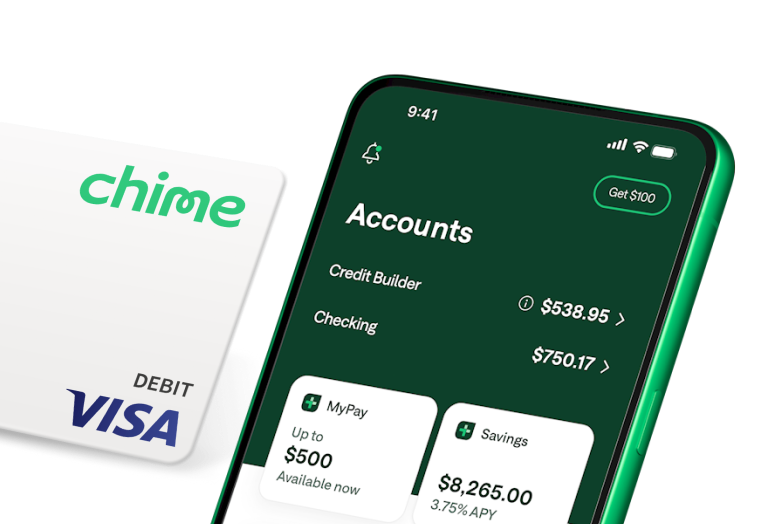
| | | We're so happy you're here. | | You're in the right place for financial progress. Get started by adding money to your Chime Visa® Debit Card to begin spending—but don't stop there. | | | |
| Here's what next for you: | Sign into the Chime App.
Your new best friend for financial progress is just a tap away. Get the app. | Add money to make purchases.
Your card is in the works, but you can use your virtual card now and choose how you want to fund your account. | Keep an eye out.
Your physical Chime Visa® Debit Card is on its way. Check that mailbox. | |
 | | Direct deposit is your key to unlocking even more. | | Unlock even more of Chime with Chime+. Get paid when you want, fee-free overdraft, plussed-up savings, and more, for free when you make a qualifying direct deposit.* | 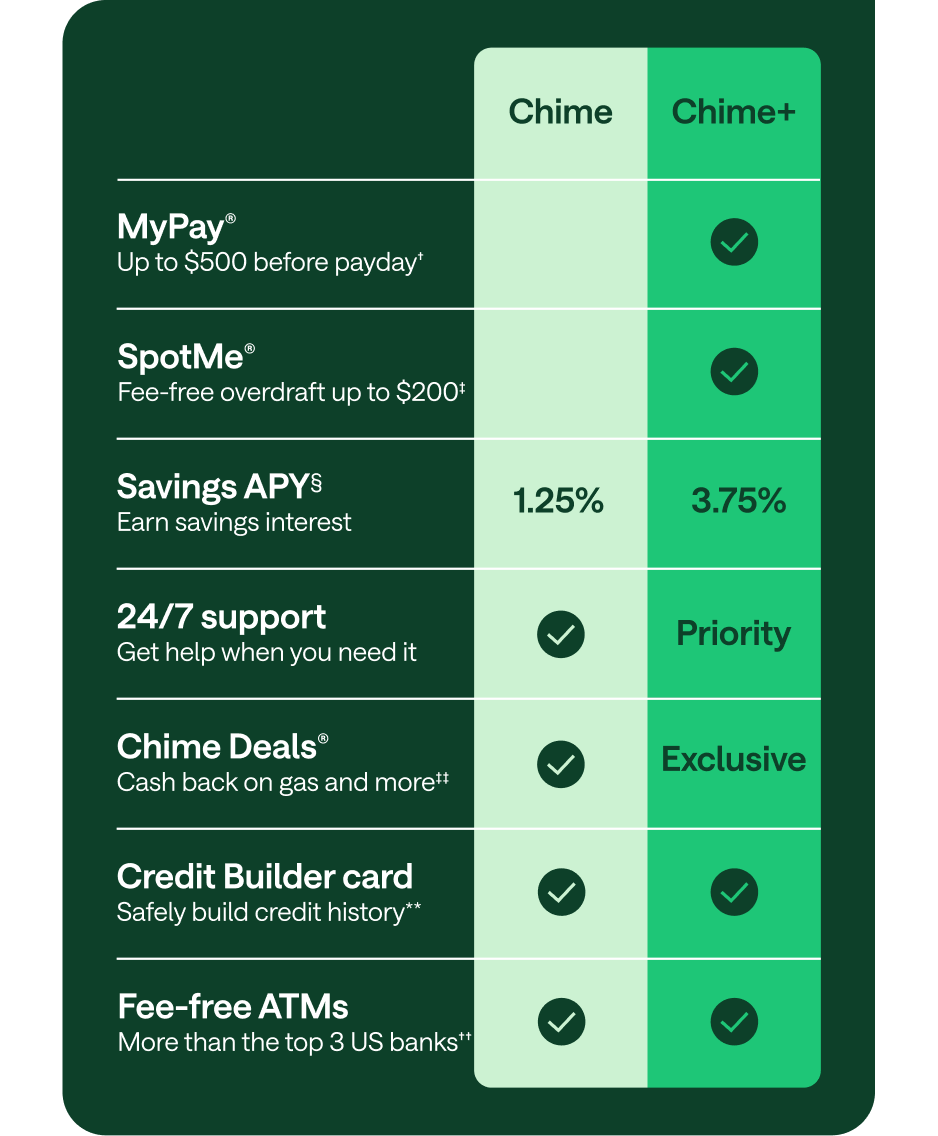 | |
💚 from Chime
Questions? We're here to help. | |





No comments:
Post a Comment